Wednesday, August 22, 2007

Screenshots Of The Day - August 22, 2007


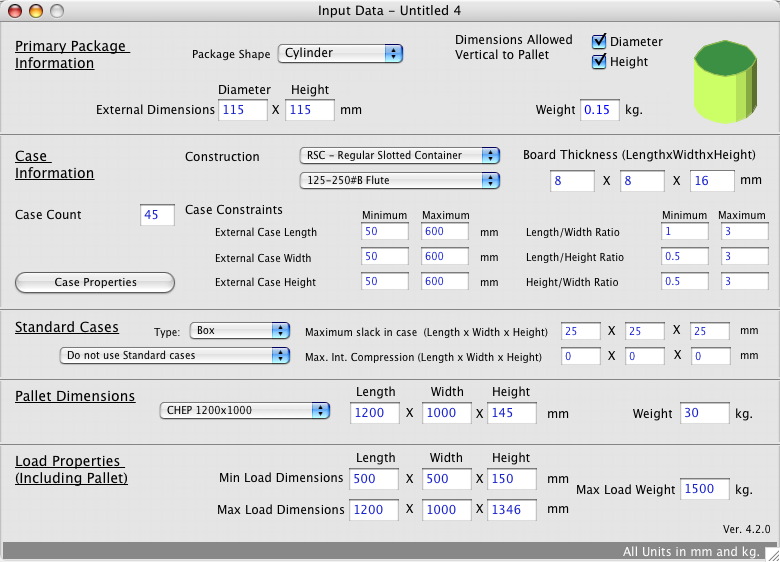
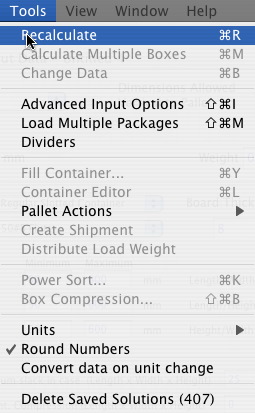
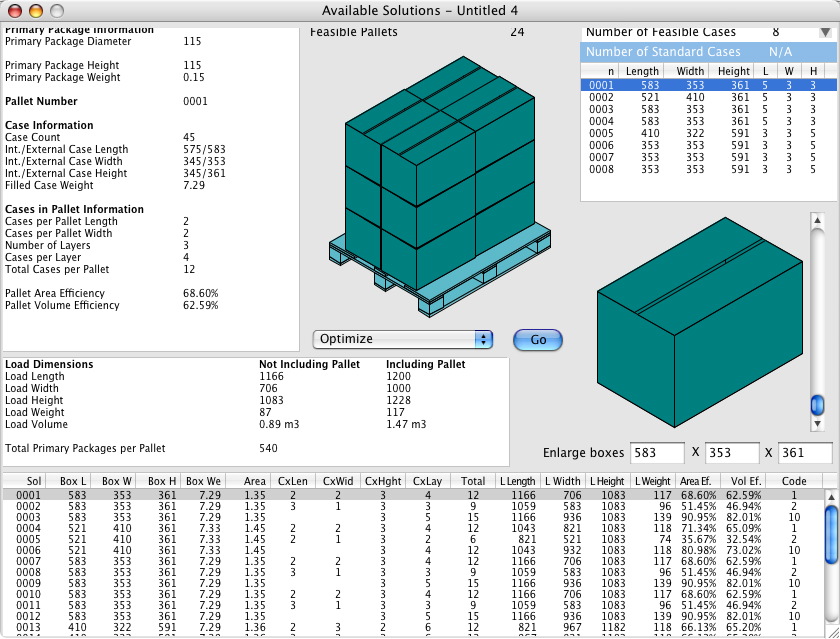
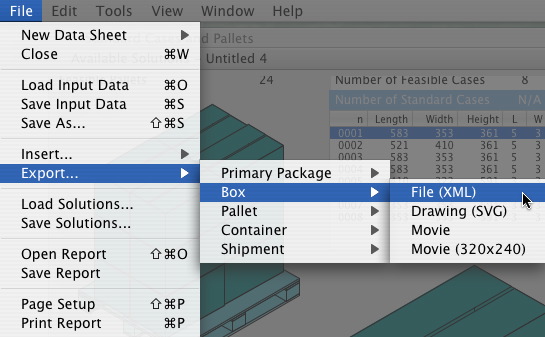
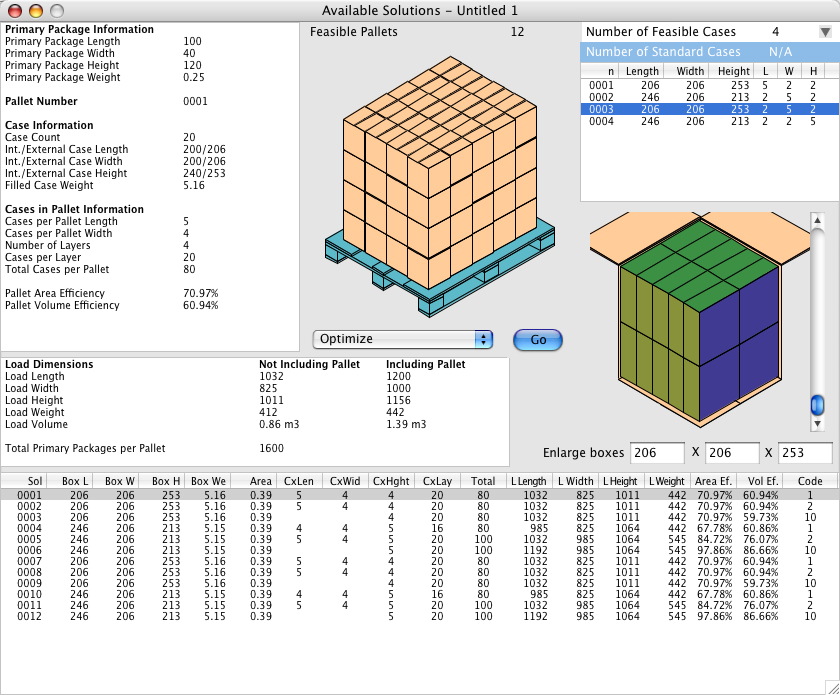
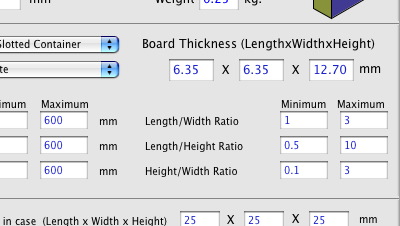
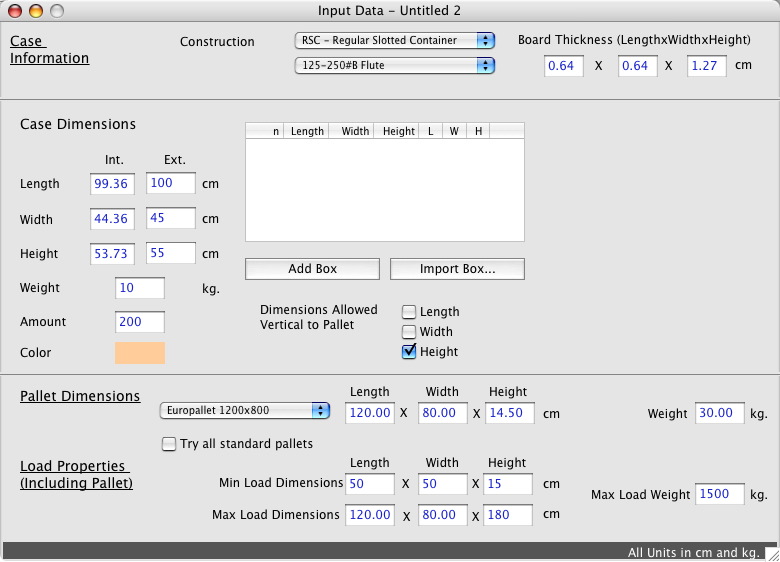
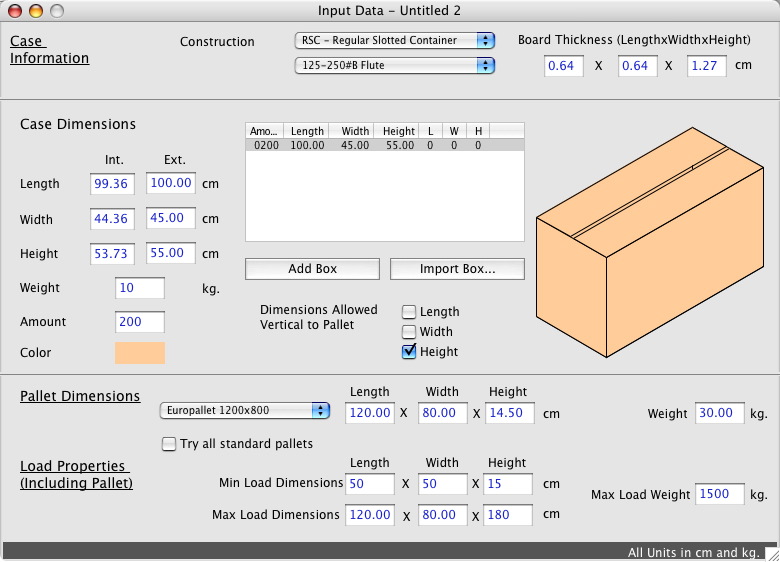
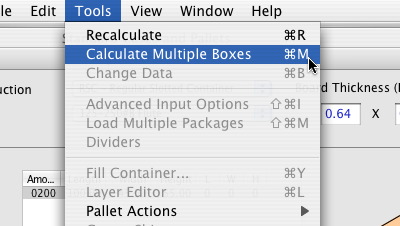
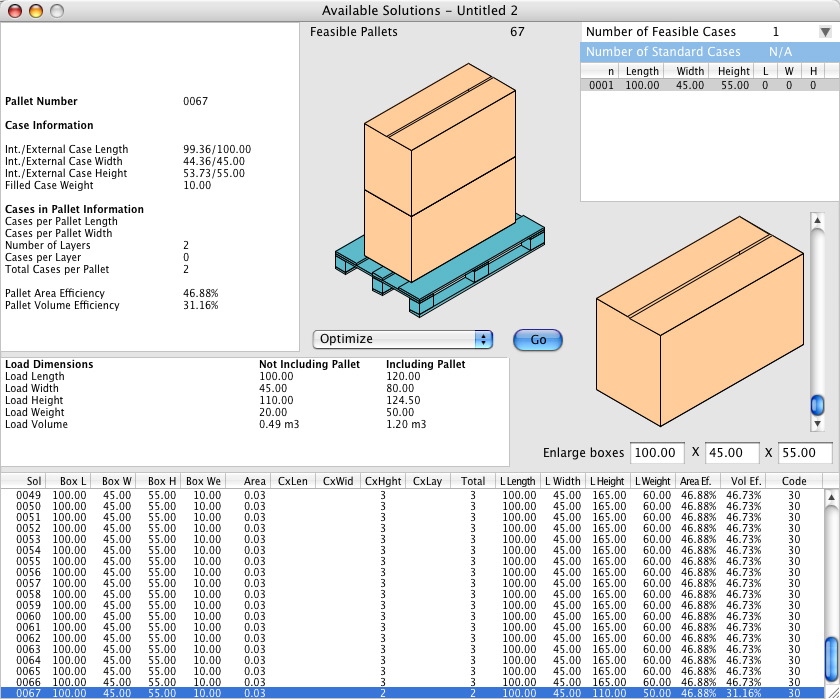
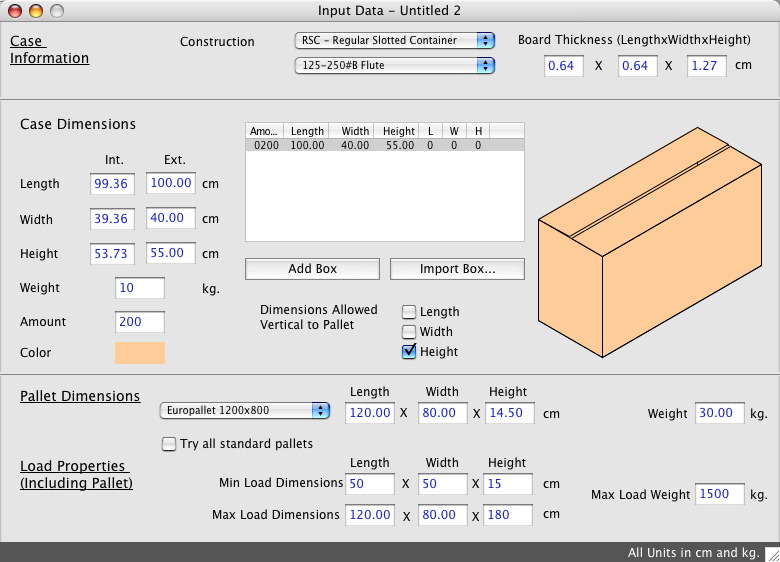
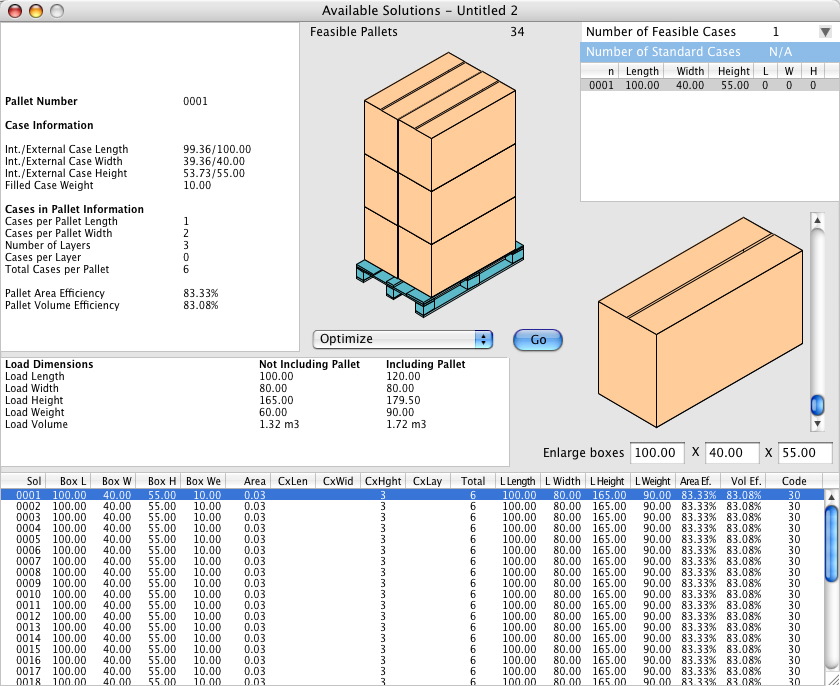
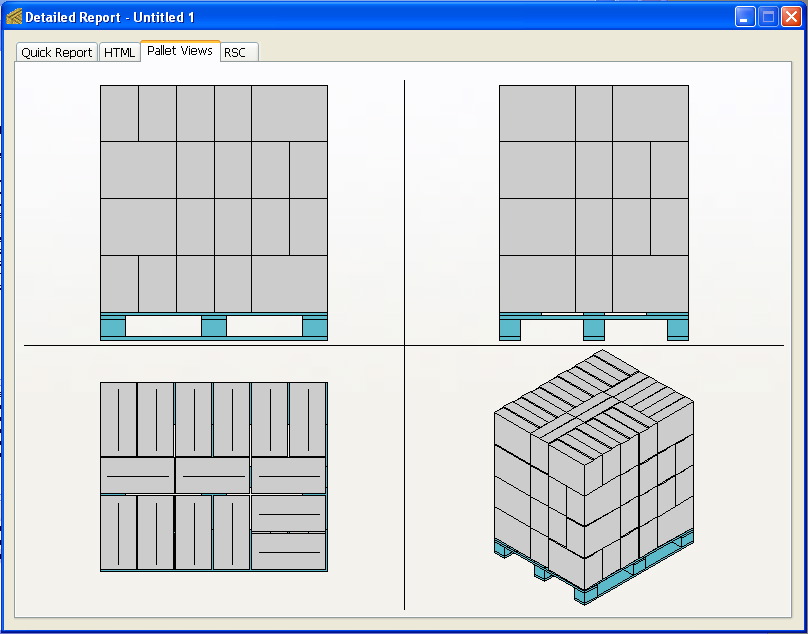
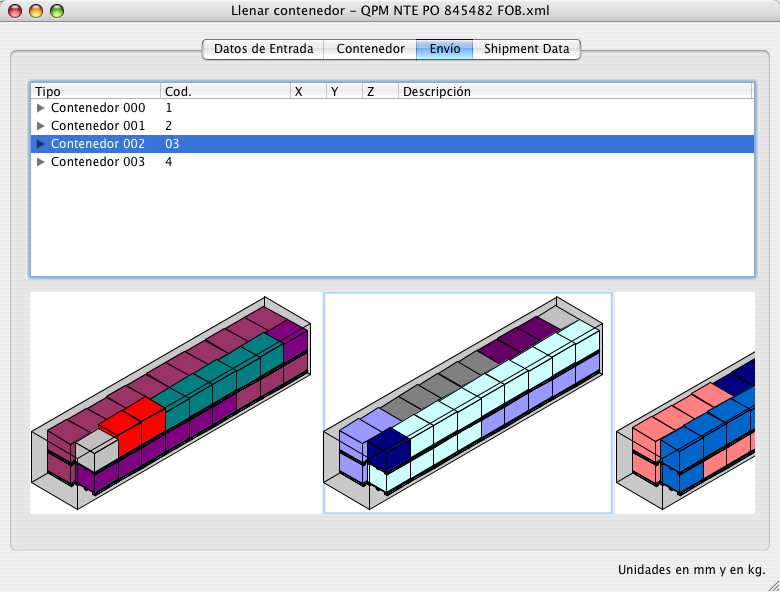
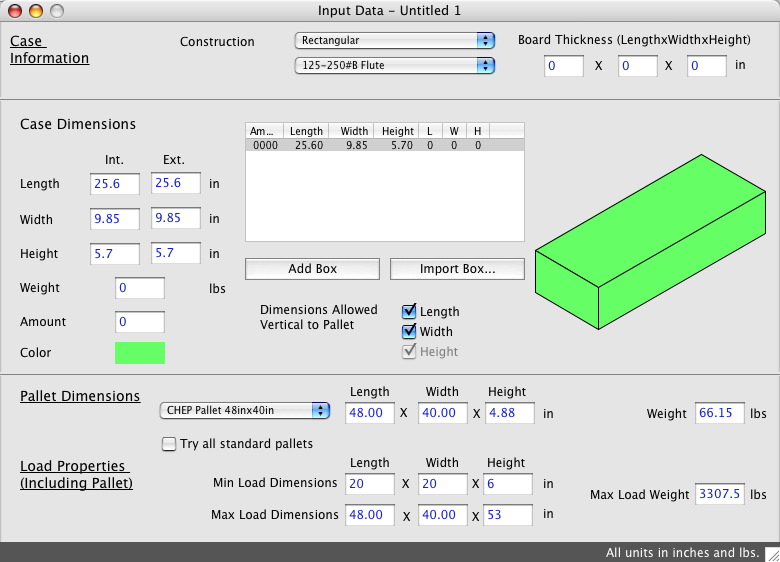
Here are some Quick Pallet Maker screenshots that we collected today.

QPM screenshotQPM screenshot
QPM screenshot


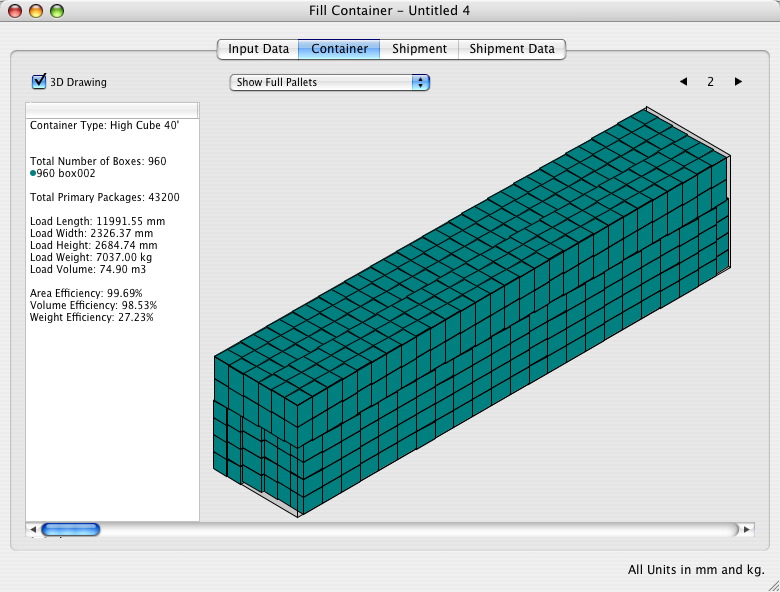
Error in a printout that was corrected later.

Friday, August 17, 2007

Screenshots Of The Day - August 17, 2007


Here are some Quick Pallet Maker screenshots that we collected today.

QPM screenshotQPM screenshot
QPM screenshot


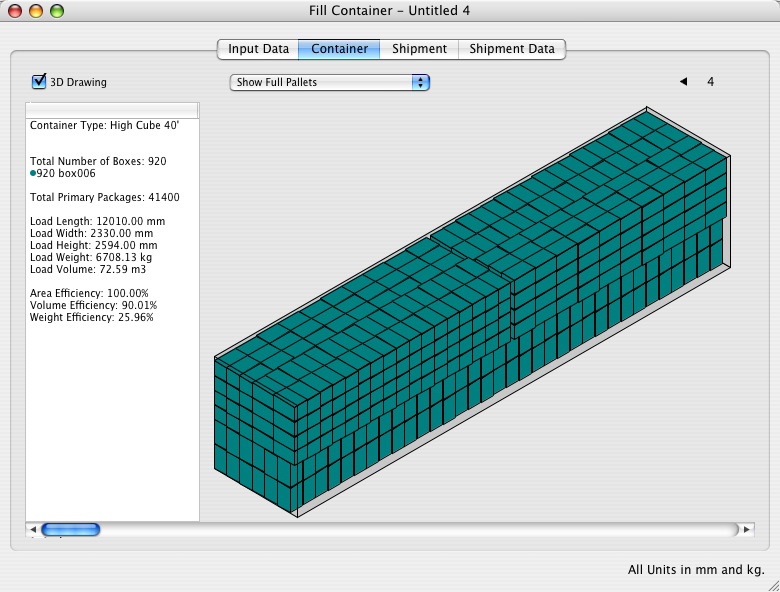
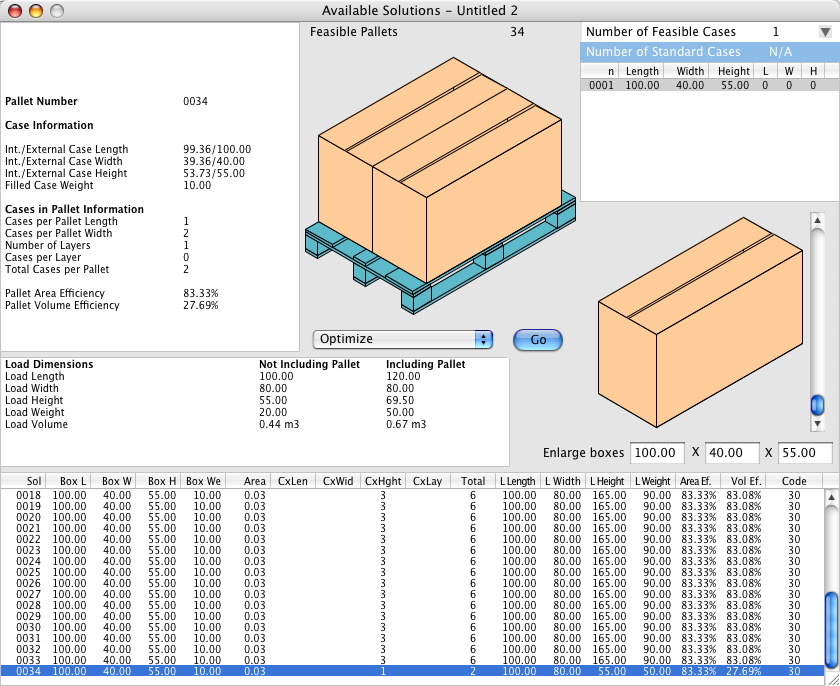
Pallets with cases of different sizes.

Thursday, August 16, 2007

Screenshots Of The Day - August 16, 2007


Here are some Quick Pallet Maker screenshots that we collected today.

QPM screenshotQPM screenshot
QPM screenshot


The screenshots show a case with standard dimensions (i.e. predetermined) being filled.

Thursday, August 02, 2007

New Container Fill Example


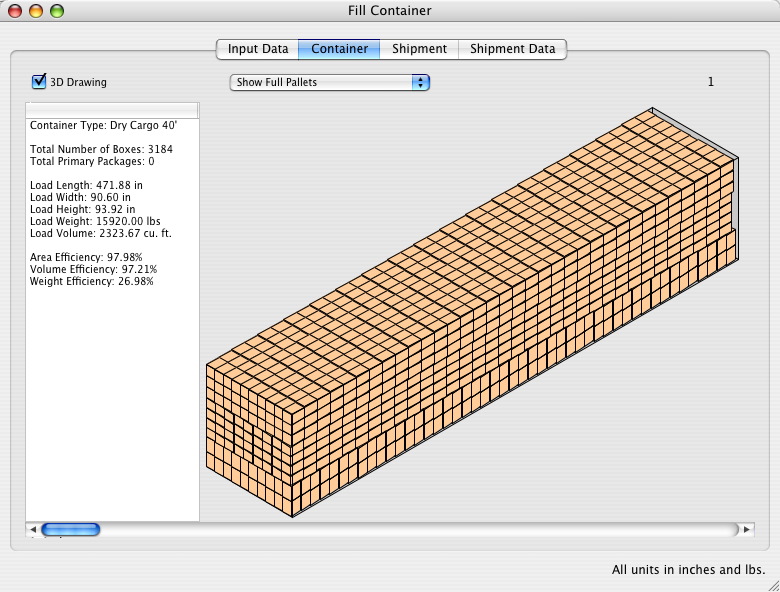
We've just posted a new example for floor-loading containers with boxes that have been created using primary package dimensions as a reference. The link is this one.

Wednesday, August 01, 2007

Screenshots Of The Day - August 1, 2007


Here are some Quick Pallet Maker screenshots that we collected today.

QPM screenshotQPM screenshot
QPM screenshot


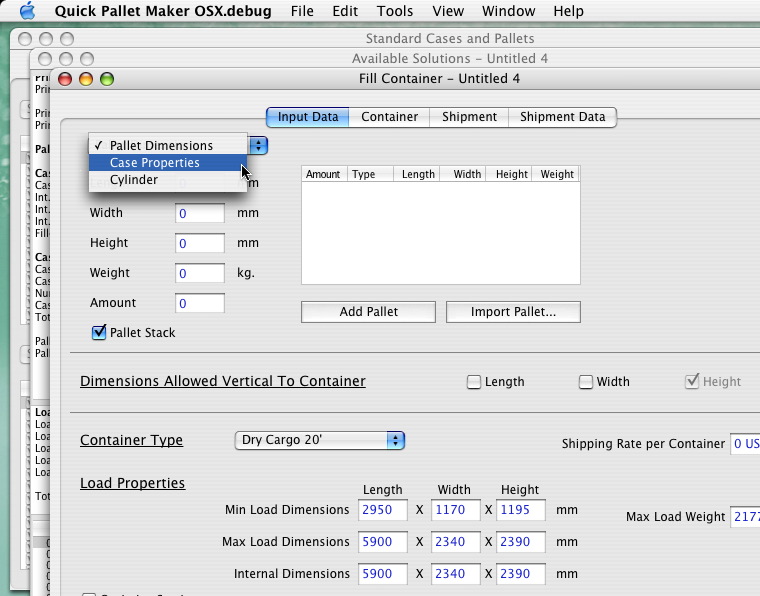
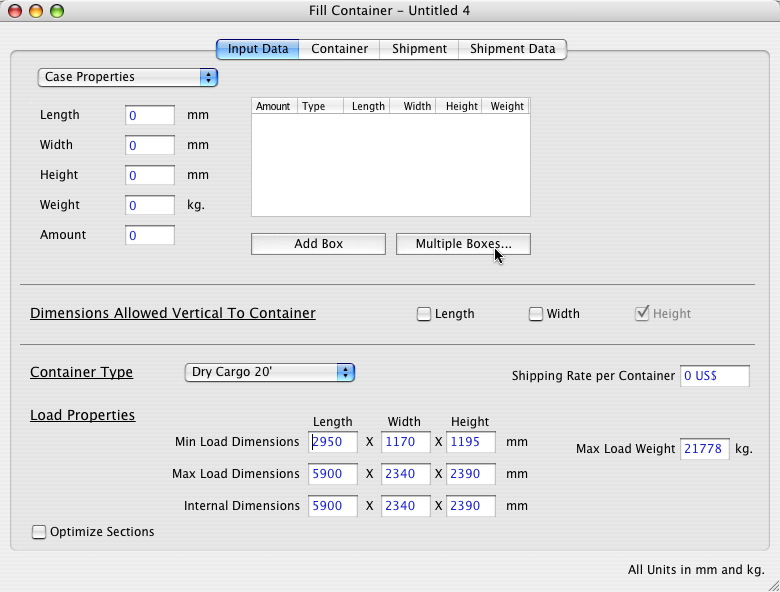
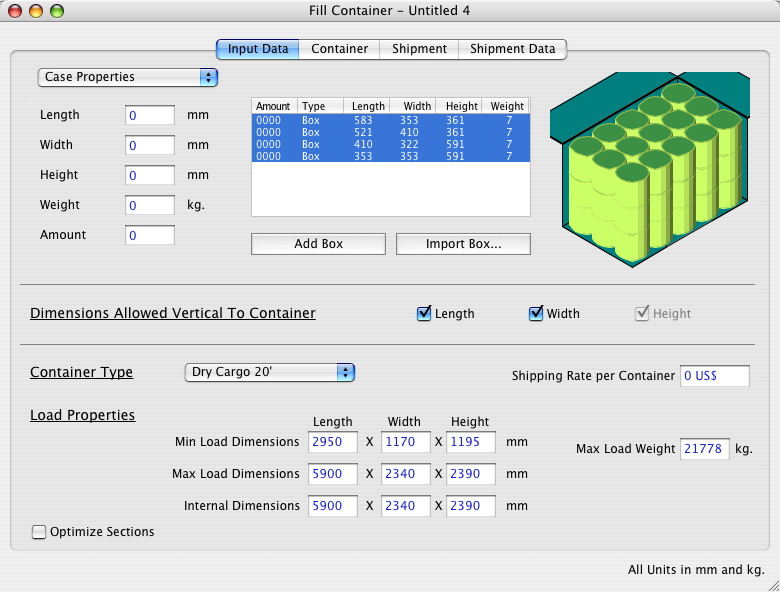
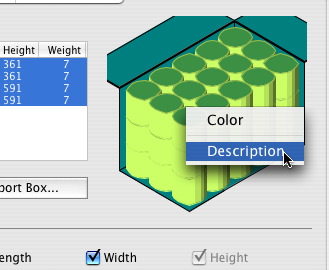
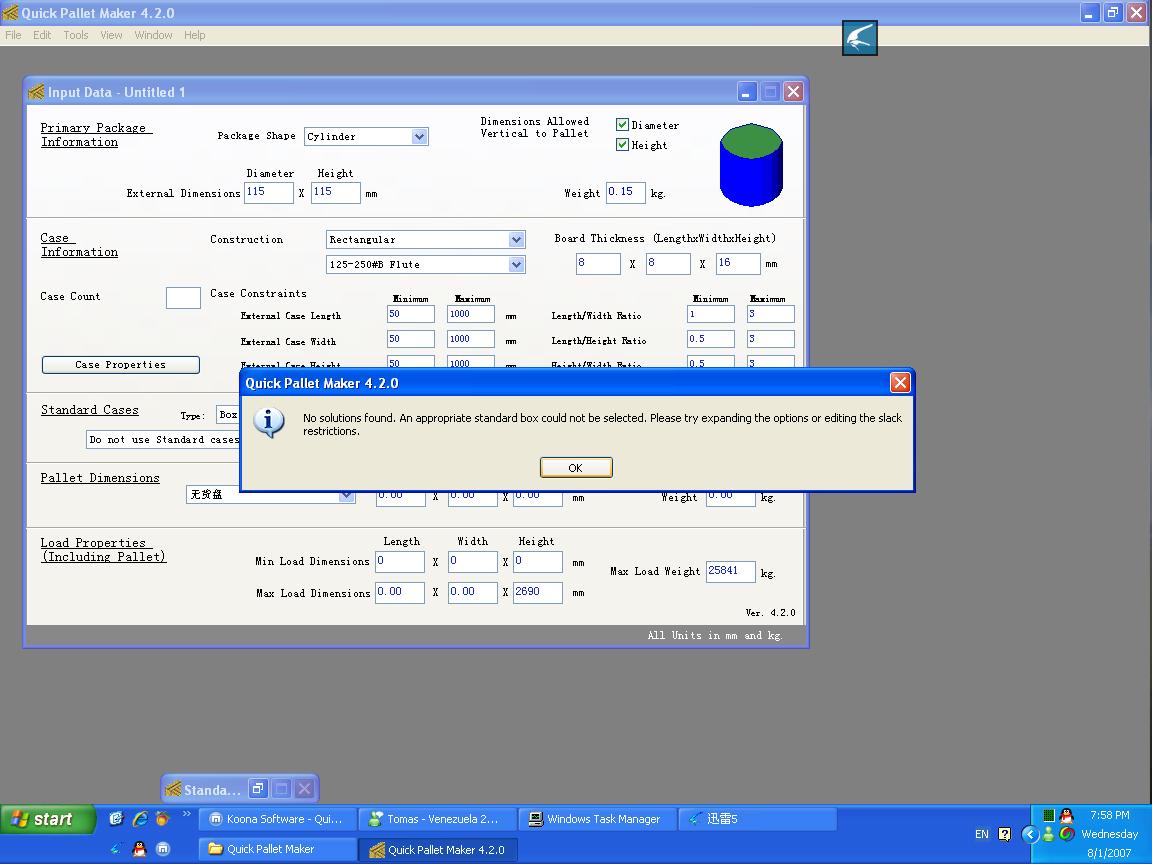
The screenshots explain how to load a container with boxes that contain cylinders (i.e. cans or bottles).

Friday, July 20, 2007

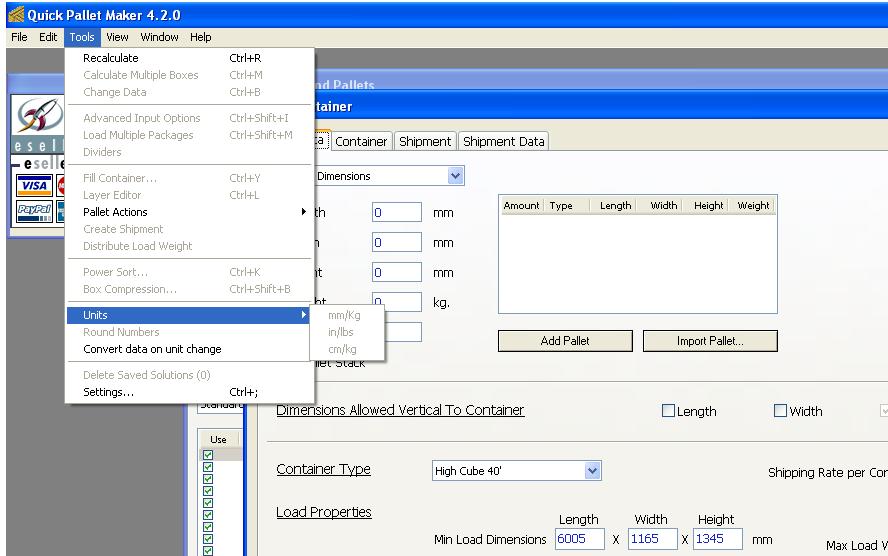
Unit Changes In Container Fill

Question: How do I change the units in the Container Fill window? The option is grayed out.
Units


Answer: The units within the Container Fill window are changed through the Preferences window. To open this window, select "Tools -> Settings" (under Windows OS) or "Preferences" from the Quick Pallet Maker window (Mac OSX).

Screenshots Of The Day - July 20, 2007


Here are some Quick Pallet Maker screenshots that we collected today.

QPM screenshotQPM screenshot

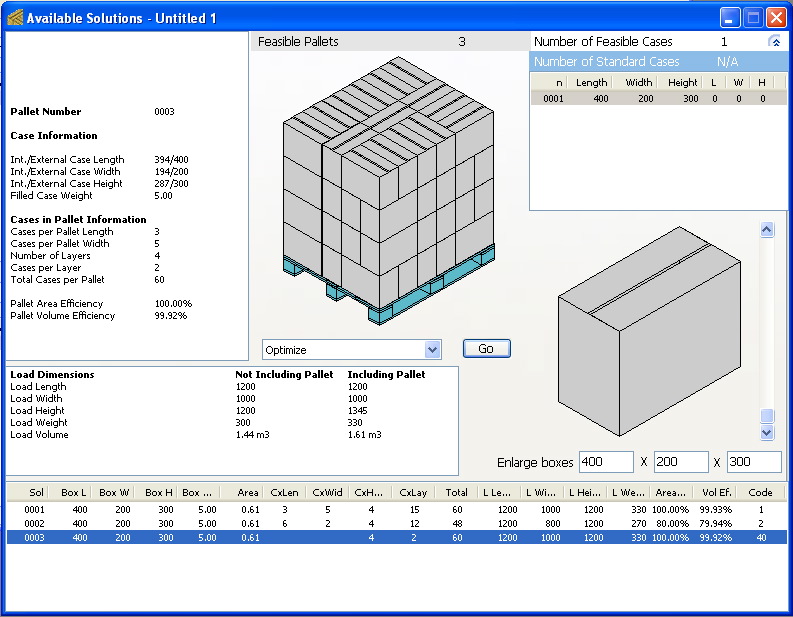
The first image is a floor-loaded container. The next ones relate to a pallet fill and the last two show how the units are changed.

Wednesday, July 18, 2007

Screenshots Of The Day - July 18, 2007


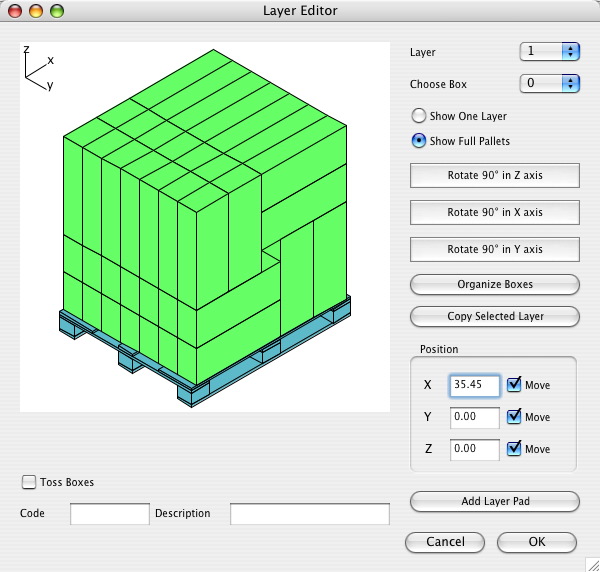
Here are some Quick Pallet Maker screenshots that we collected today.

QPM screenshotQPM screenshot
QPM screenshot

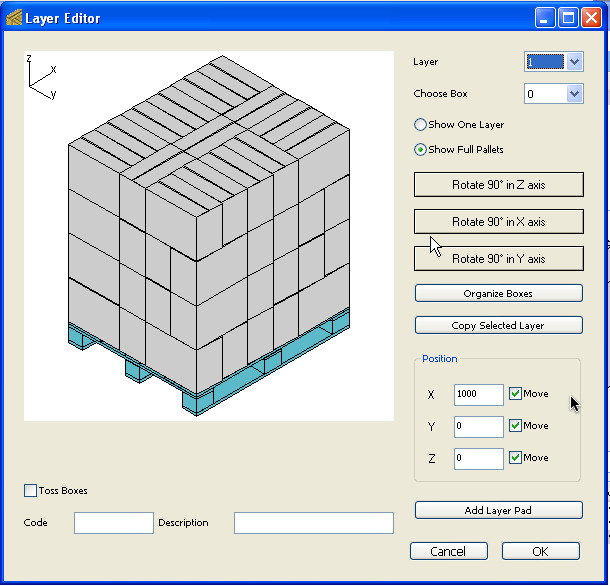
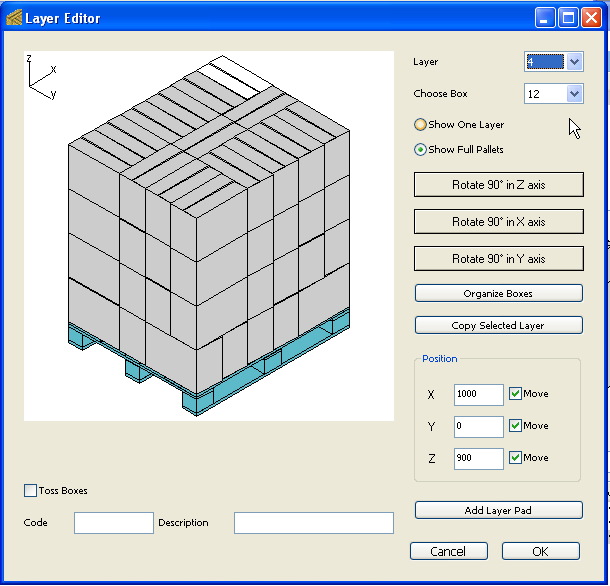
The five images are from the Pallet Layer Editor that can be used for changing the position and orientation of the boxes within the pallet.

Thursday, July 12, 2007

Inkscape Software for SVG Files


We just found an excellent and free software for reading, editing and converting the SVG (Scalable Vector Graphics) files that Quick Pallet Maker exports. These files contain the drawings for packages, boxes, pallets or containers.

The software is called Inkscape and can be downloaded at Inkscape.org and as of this writing, it was in version 0.45 (a version below 1.0 indicates "under development"). However, the software exported a container file from SVG (file link) to Adobe PDF (file link) without problems.

For news on SVG-compatible applications and browser plugins, you can turn to the W3C site.

Tuesday, June 19, 2007

Couple Of New Examples

We have just posted a couple of new examples for Quick Pallet Maker 4.2.

The first one explains how to change the maximum allowable box weight. The second example explains a simple box fill.

Thursday, June 14, 2007

Screenshots Of The Day - June 14, 2007


Here are some Quick Pallet Maker screenshots that we collected today.

QPM screenshot


The image contains a set of floor-loaded containers in the Shipment pane of the Container Fill window.

Friday, May 11, 2007

Screenshots Of The Day - May 11, 2007


Here are some Quick Pallet Maker screenshots that we collected today.

QPM screenshotQPM screenshot


These screenshots show a box being placed on its sides on a pallet.

Wednesday, April 11, 2007

File Specifications

We've began posting the specifications of the files used by Quick Pallet Maker instead of just answering the questions to our users on an ongoing basis.

You can view the specifications for the tab-delimited data for pasting box and/or pallet information onto QPM here.

Thursday, March 22, 2007

New Example: Using Layer Editor to Remove Boxes

This new example explains how you can use the Layer Editor to remove boxes from a pallet and create a display arrangement with a given number of boxes.

Monday, March 19, 2007

Printing Blank Page

Question: When I print, it just prints a blank page.

Answer: Please make sure that you have used Page Setup (from the File menu) to print in Landscape mode if you are printing from the first tab of the Detailed Report. You can also try printing from the other tabs to see if it's an issue with the printing configuration or other. If so, let us know.

Wednesday, February 28, 2007

Monday, February 26, 2007

Tuesday, February 20, 2007

Adding Box Descriptions

Here's a new example that explains how to add descriptions to boxes that have been calculated using Quick Pallet Maker.

Adding Descriptions To Packages

We've posted a new example that explains how to add codes and descriptions to primary packages when calculating pallet arrangements. To view the exampe, click here.

Sunday, February 11, 2007

French, Italian and German Installers

The French, Italian and German installers for Windows (Mac OSX versions don't require installers, just drag to the Applications folder) are available now in French, Italian and German, respectively. This is a great help for those that don't understand English and have to install the application. It also helps people make sure that they downloaded the right version. All SKUs are available through our web page.

Thursday, February 08, 2007

German Version of Quick Pallet Maker

_

We've just posted the German version of our Quick Pallet Maker software (for both Windows and Mac OSX) for download through the following link. As with all new translations, if you discover an error or would like to suggest a fix in the terms, please let us know by sending us an email through our contact page.

Wednesday, January 24, 2007

How Do I Open XML Files?

IE

Question: When I save a Container file with the .xml extension, I double-click on it under Windows and Internet Explorer opens it, just like in the screenshot above. How can I open the file again with Quick Pallet Maker?

Answer: Windows opens Internet Explorer by default when you double-click a file with the .xml extension. Therefore, you can do any of the following:
  • Click on the file with the right mouse button and a menu will appear. From that menu, choose "Open with..." and then choose the Quick Pallet Maker application. You may need to open a open dialog window to find the application.
  • Run Quick Pallet Maker and open a new Container Fill document window. Then select Insert -> Container from the File menu. Once that has been done, you can choose the XML file using the Open dialog window.

Monday, January 22, 2007

Example - Display Cases In Pallets

Through the following link you can find an example in which we use Quick Pallet Maker to create a pallet that displays the largest of the boxes' sides. This is especially useful in Club Stores and other retailers in which the customer gets to see the secondary packaging of the product he/she wishes to purchase. Usually, an attractive design is added to the boxes for this purpose.

Installation Question: Purchase Or Demo?

install QPM
Question: When Installing QPM for Windows, I see a small window asking to click either "Purchase" or "Demo". What should I click?

Answer: If this is the first time you have downloaded Quick Pallet Maker and have never used it before, we recommend you to click "Demo". The process will continue and you will be allowed a period of 30 days to test the product in which you can ask us any related question.
If you have already tried Quick Pallet Maker and are ready to buy it with a credit card, then please click on "Purchase". You will be presented a secure form hosted by eSellerate in which you can enter your information to receive a serial number by email. This serial number is then entered in the Register window of the Demo to enable the full application.
If you have already purchased a license of Quick Pallet Maker and are installing an update, then click on "Demo" and continue the installation process. Once you start up QPM again, the newer version should recognize your registration information. If not, contact us.

Tuesday, January 16, 2007

Example - Shipping Different Packages in Boxes

Through the following link you will be able to find an example that explains how to create a shipment of boxes on pallets based on a finite number of packages of two different sizes.

Monday, January 15, 2007

Sunday, January 14, 2007

A Couple Of New Examples

Sorry for the long time between posts, through the following links you will be able to access new examples for using Quick Pallet Maker. The first one explains how to add slack to boxes after calculating them and the second example explains how to export graphics files.

Friday, October 20, 2006

Standard Cases Log

We are currently working on the new version of Quick Pallet Maker that will allow the user to (among other things) keep track of the Standard Cases that are used in the calculations so the person can later see which sizes are the most practical for reordering. The example can be found through this link.

To run this example, the latest beta is required. The download links are the following for Windows and for Mac OSX.

Tuesday, July 11, 2006

Pasting Standard Box Data

Question: I have a list of cases that I want to add to Quick Pallet Maker but don't want to do it one-by-one. How can this be done?

Answer: Quick Pallet Maker includes an option that allows you to paste tab-delimited data from a spreadsheet or from a text document. To do so, please see the following example. The order of the columns is important:
  • Box Length,
  • Box Width,
  • Box Height,
  • Category (the type that will appear in the standard cases menu),
  • Top to Bottom Compression,
  • Code and
  • Description.
Note that the units are also of importance: if using metric, use mm (not cm) and kg, if using Imperial units, use inches and pounds.

Basic Example For Boxes On Pallets

Through the following link you can find an example on how to load a pallet with boxes by entering their dimensions. It's a very quick example to get people started with QPM.

Friday, June 02, 2006

Multi-Packs

In Quick Pallet Maker version 4.1 we have added the ability to pack multiple packages into a standard (or predetermined case size). This is specially useful for companies that sell small quantities of different products such as books and use off-the-shelf boxes for packing them.

We have posted an example on our web site (see link)that explains how to pick the optimal box size from a list for packing four books. Could be useful for companies like this one.

box with books

Thursday, June 01, 2006

Shipping Routes

A customer recently asked us to include a feature that would make Quick Pallet Maker remember the shipping cost for a given container when moved from point A to point B. We found it interesting so we included it in Quick Pallet Maker Version 4.1 (released recently). Through the following link you can find an example on how to use this feature.

Wednesday, May 31, 2006

Quick Pallet Maker Movies into an iPodTM

One of the first ideas we had when we learned that the newest Apple iPod would support video playback was that it would be really interesting to work in a container loading dock and have the loading sequence for a list of containers saved as videos in your iPod. When the workers ask you where to place the pallet with the boxes that contain product X, you just look at your screen and say "after the eight big drums with liquid Z and the ten pallets with product Y". Then you would go back to your own business (listening to the music).

Or an alternate version: you are a forklift driver in a goods distributor and they tell you that you need to fill a set of containers. You tell the person operating Quick Pallet Maker (or yourself, for that matter) to save the container fill movies to your iPod. So as you drive your lift-truck, you will never forget what goes where while you listen to music at the same time (just don't keep it too loud to not hear your boss shouting over the truck noise).

Independently of what you can make of it, we have decided to add box, pallet and container fill movie export to size 320x240 videos in Quick Pallet Maker version 4.1. For an example (appropriately, in a movie) on how to do this (requires some additional processing in iTunes), please visit this link.

If you don't own Quick Pallet Maker and would like to know how the videos look like in your iPod, you can download an example here and another one here.

iTunes and iPod are Registered Trademarks of Apple Computer, Inc.

Tuesday, May 30, 2006

Regional Settings

Question: Every time I open Quick Pallet Maker, the standard container dimensions are increased by a factor of 100. What's wrong?
Answer: This is something people should be aware of. If the regional settings are changed in the Control Panel (Windows OS) or in the System Preferences (Mac OSX), it is very important for the decimal separator to be different from the thousands separator. For example, in the USA, the decimal separator is a point "." and the thousands separator is a comma ",". In Spain (see below), it's the other way around. Just remember to not mix them.

Regional Settings

Sunday, May 28, 2006

New Quick Pallet Maker Version

We've just posted a new Quick Pallet Maker version (4.1) for download here. The major new features (besides squashing some bugs) are:
  • Multiple package types can be fit into a single box by combining the Multiple Package Input window with the box fill feature. We will follow-up with an example on how to do this in the upcoming days.

  • Export to any text-file format using XSLT templates. In other words, you (or somebody in your organization that knows about the subject) creates a XSLT template that converts a QPM box, pallet, container or shipment file into another text-based format such as HTML, CSV and tab-delimited MS Excel files. Examples of these types are already included in QPM 4.1. We will also follow-up on examples for this new feature.

  • Shipping cost can be assigned to a give container depending on the route. You select a container in the Standard Cases, Pallets and Containers window, click on the drawing with the right button and add or edit the container route with its shipping cost. When you use the Container Fill window and select the specific container, a menu will appear from which you can select the route and its cost.
Enjoy.

Updated Instruction Manual - Part 2

We've just posted an updated version of the Instruction Manual (that includes the new Menu commands) and it can be downloaded through the following link.

Saturday, May 13, 2006

Updated Instruction Manual - Part 1

We have just uploaded the Reference Manual for all of the Quick Pallet Maker windows. It contains the details of what each window element does. To download it (PDF file), please click here.

The pages explain the windows as in the figure below.

window

Tuesday, May 09, 2006

Container Fill Help

We are updating the Quick Pallet Maker reference manual for the latest software version. In the meantime, you can download the pages that explain the elements in the different tabs of the Container Fill through the following links:

Please note that the free Adobe Reader is required for opening these files.

Sunday, May 07, 2006

List Of Container Solutions?

Question: Is there a list of container solutions similar to the list of pallet solutions?

Answer: No. By design, Quick Pallet Maker only produces two types of container solutions: one in which the finite pallets and boxes are laid more distributed towards horizontally and another one in which the stacks are made as high as possible and placed towards the back of the container. To achieve the second type of arrangement, check the "Optimize Sections" box in the Container Fill window.

Friday, May 05, 2006

Changing Container Dimensions

Question: I don't want to use the predetermined container dimensions and introduce my own. Is this possible?

Answer: Yes, this is possible. Go to the second tab of the Standard Cases and Pallets window and double-click on any of the containers to change their properties (including their names). Clicking on a container in the list and then using "Duplicate" from the Edit menu, will create an identical container for further editing.