Tuesday, August 28, 2007

Screenshots Of The Day - August 28, 2007


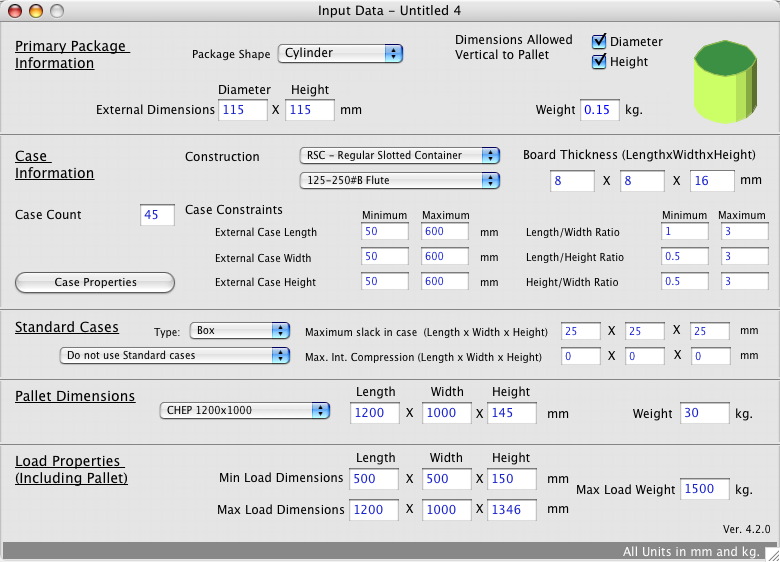
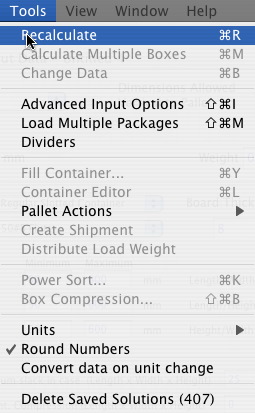
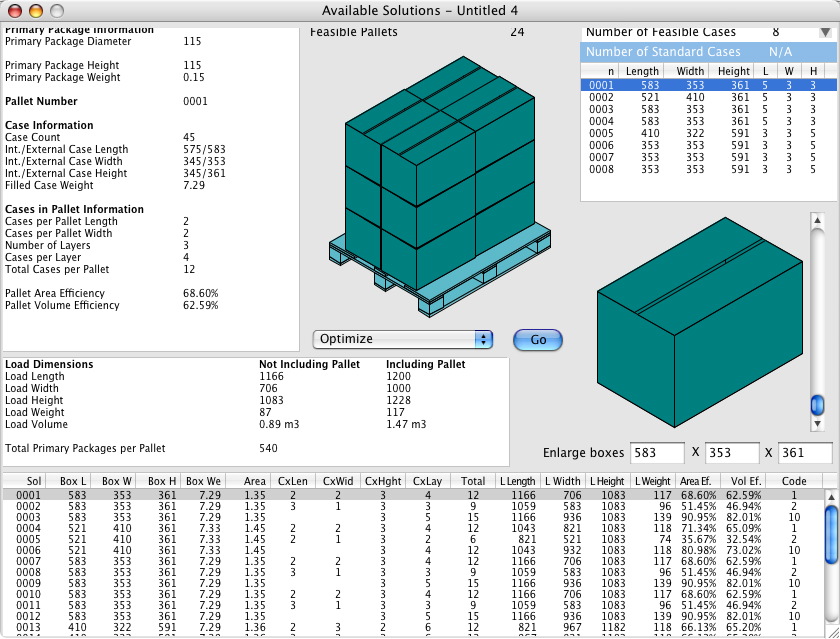
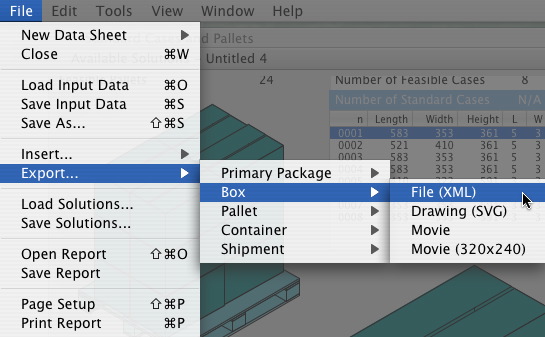
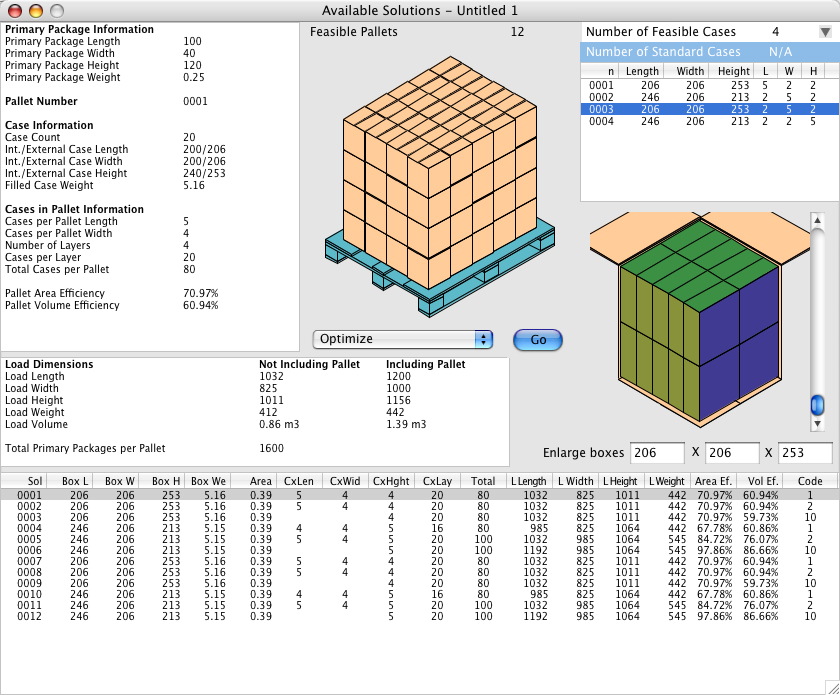
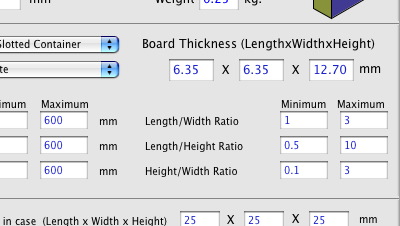
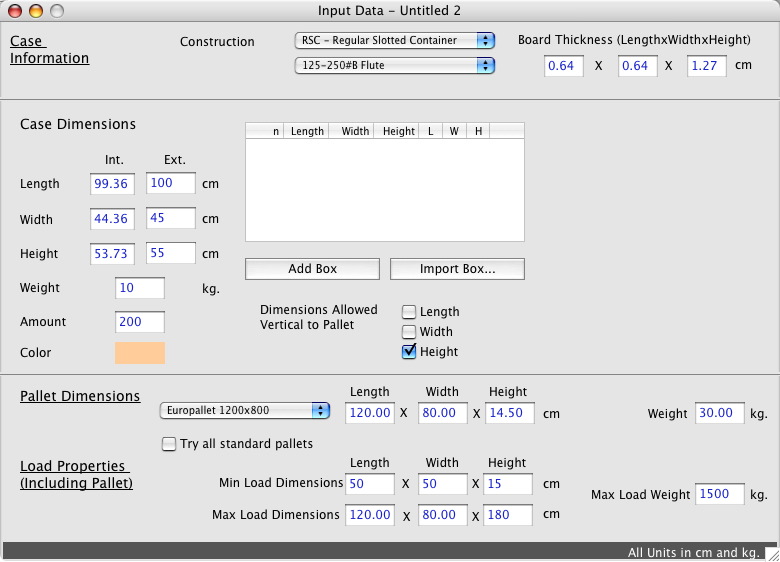
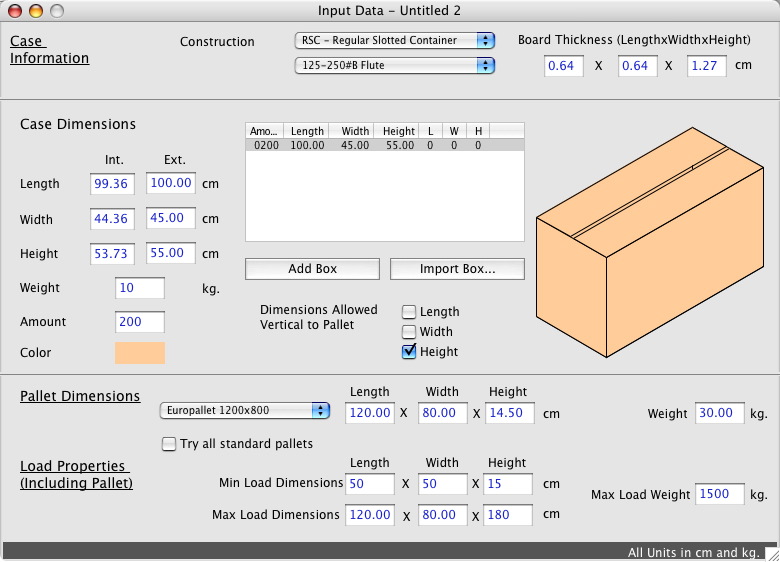
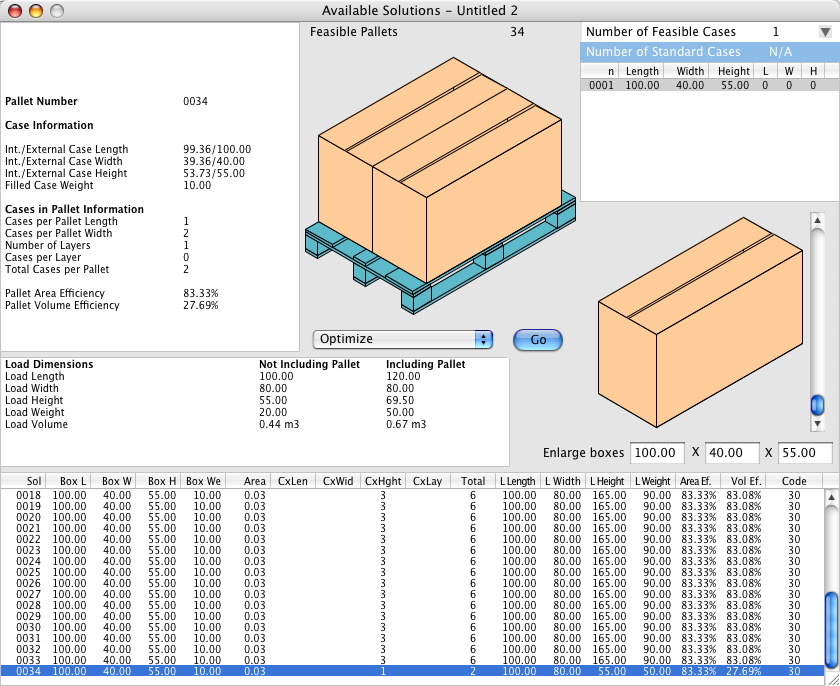
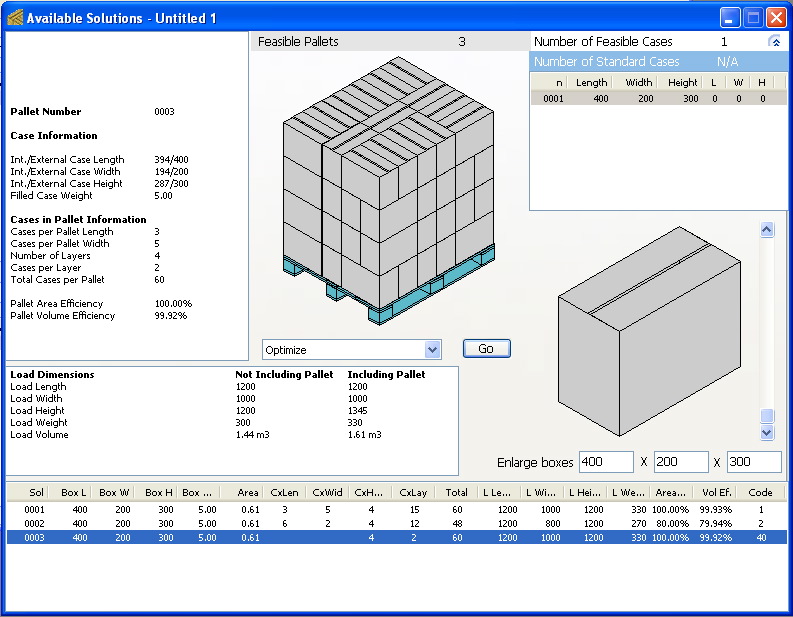
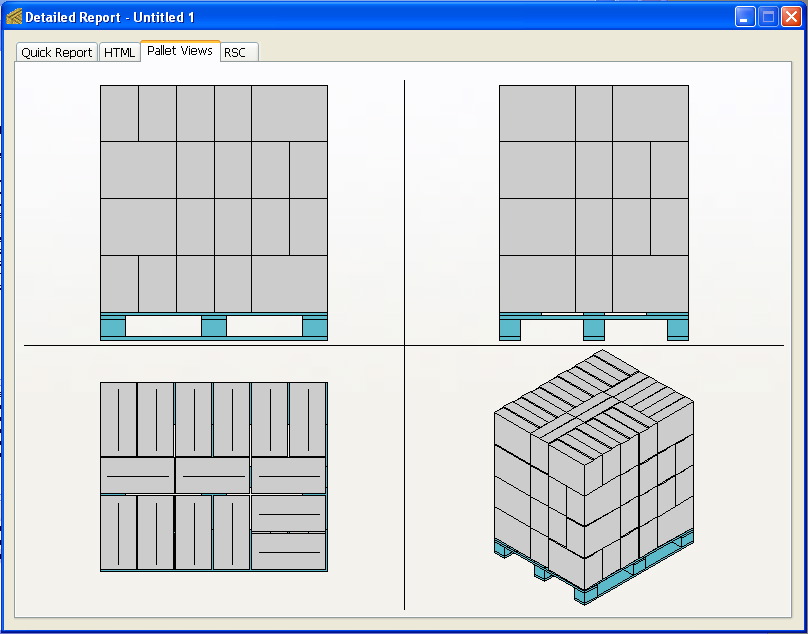
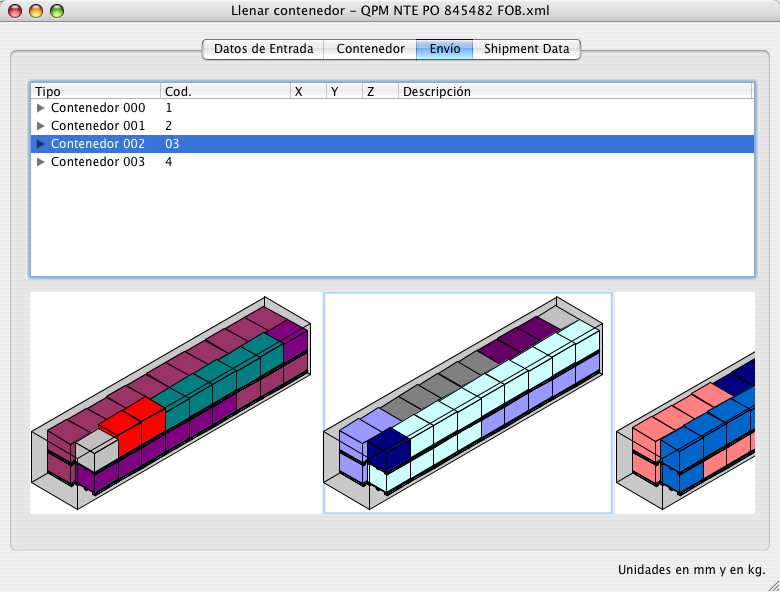
Here are some Quick Pallet Maker screenshots that we collected today.

QPM screenshotQPM screenshot


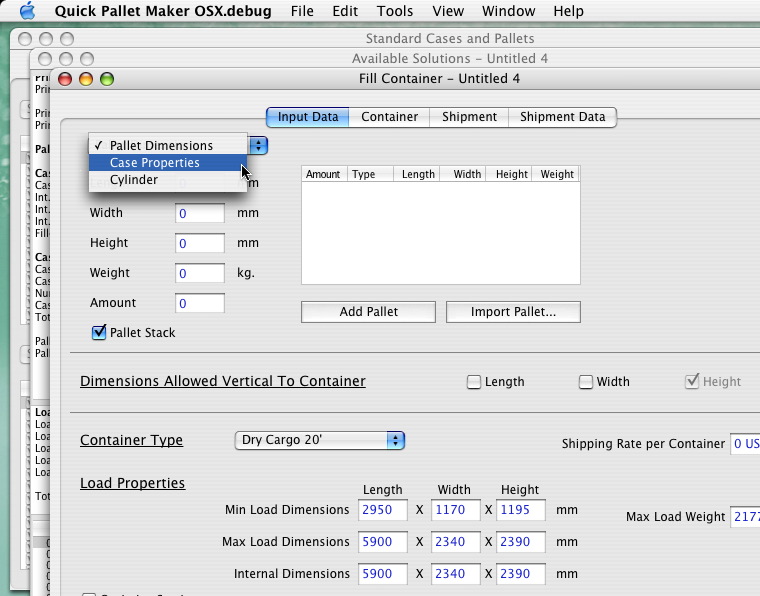
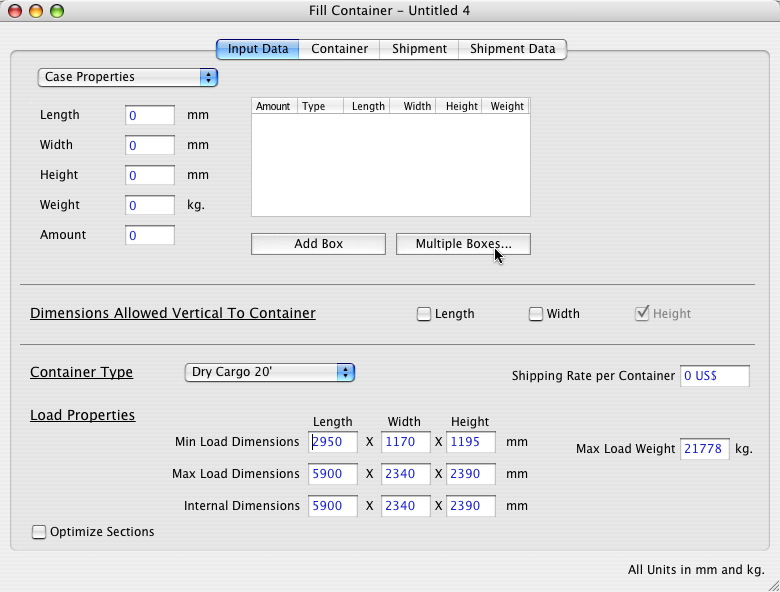
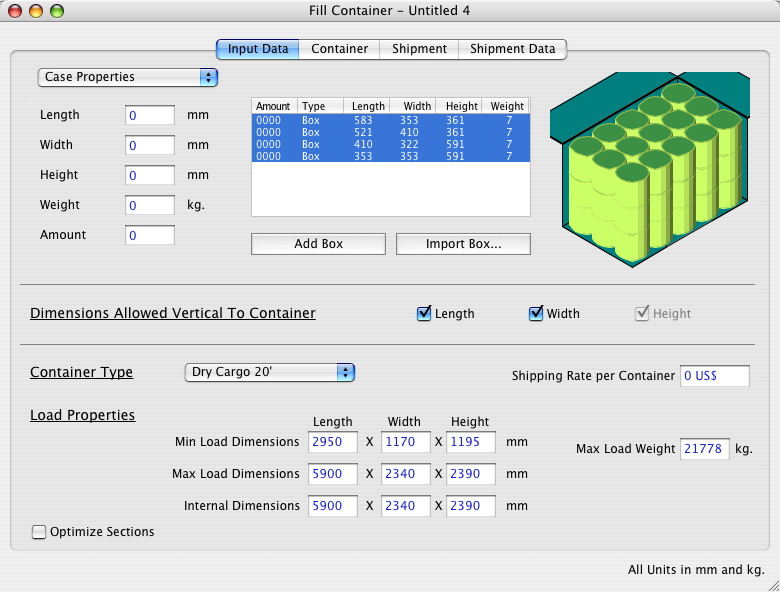
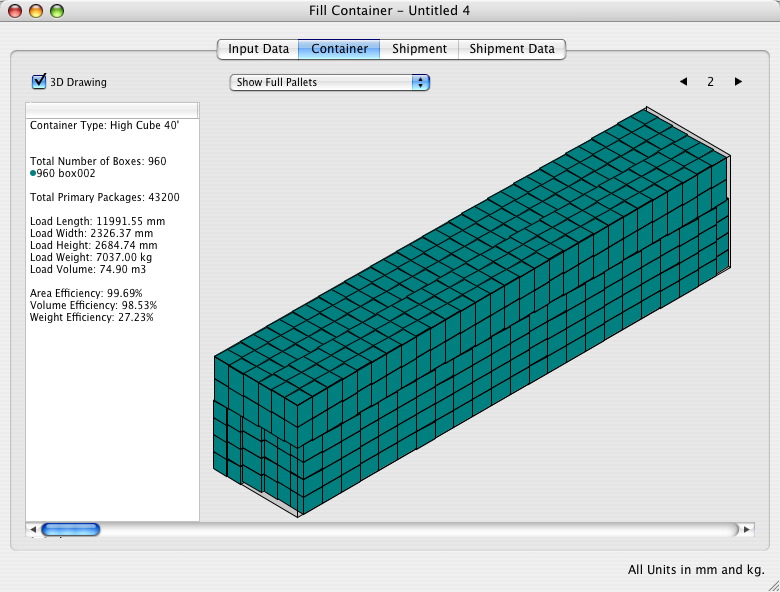
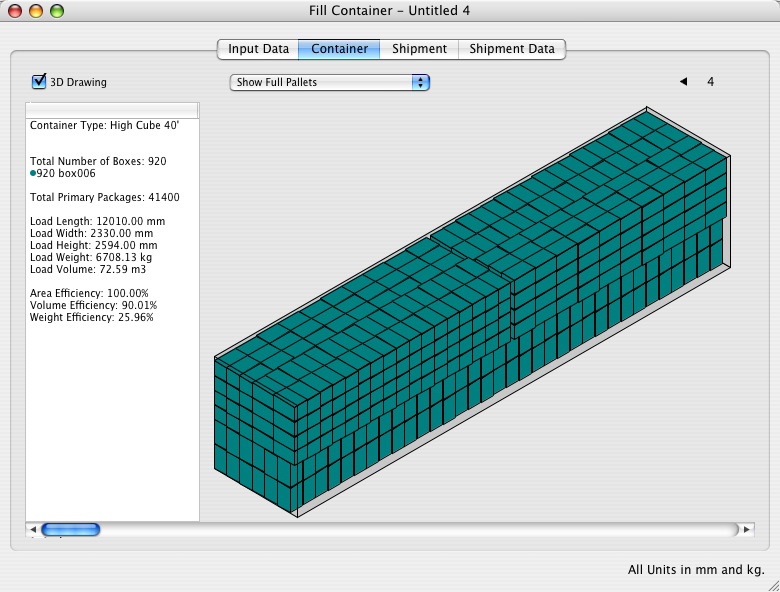
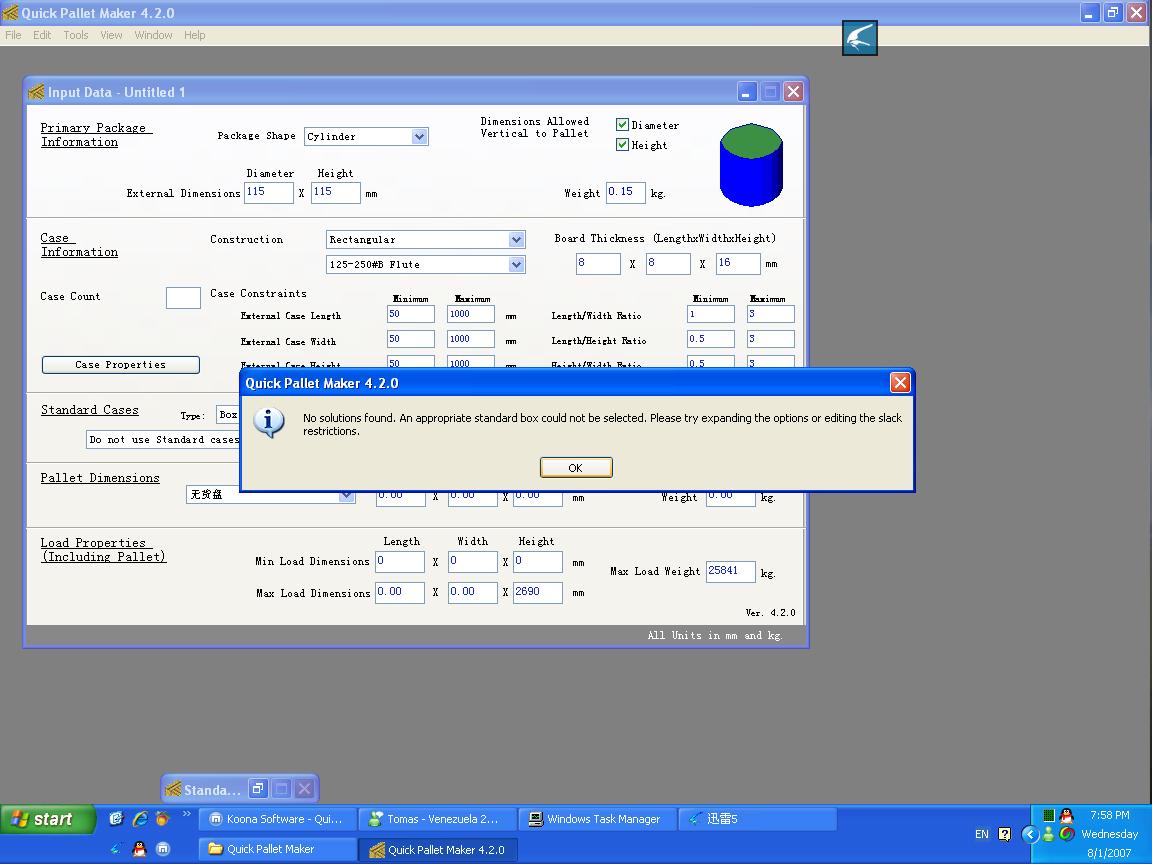
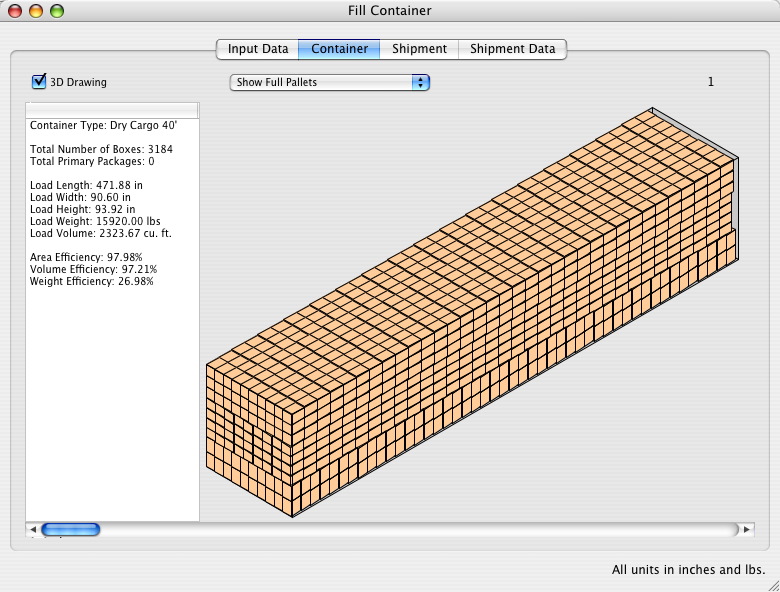
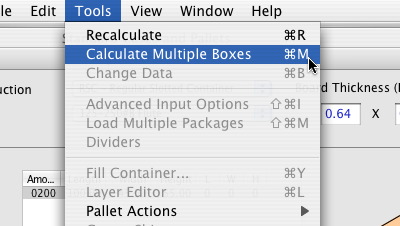
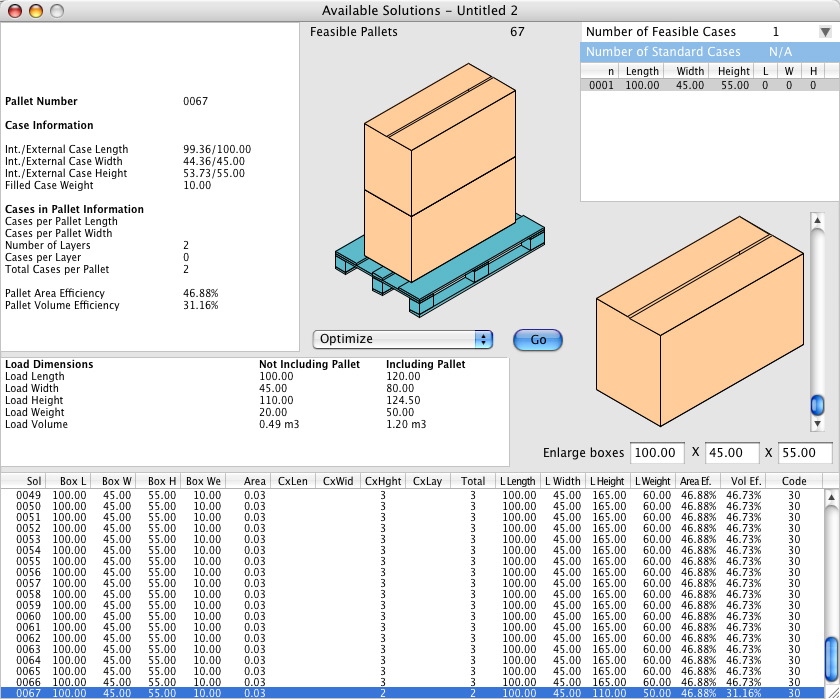
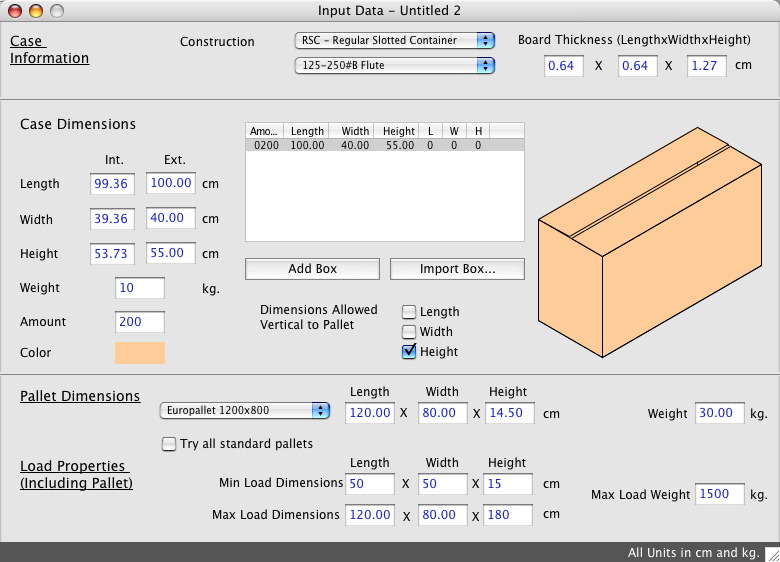
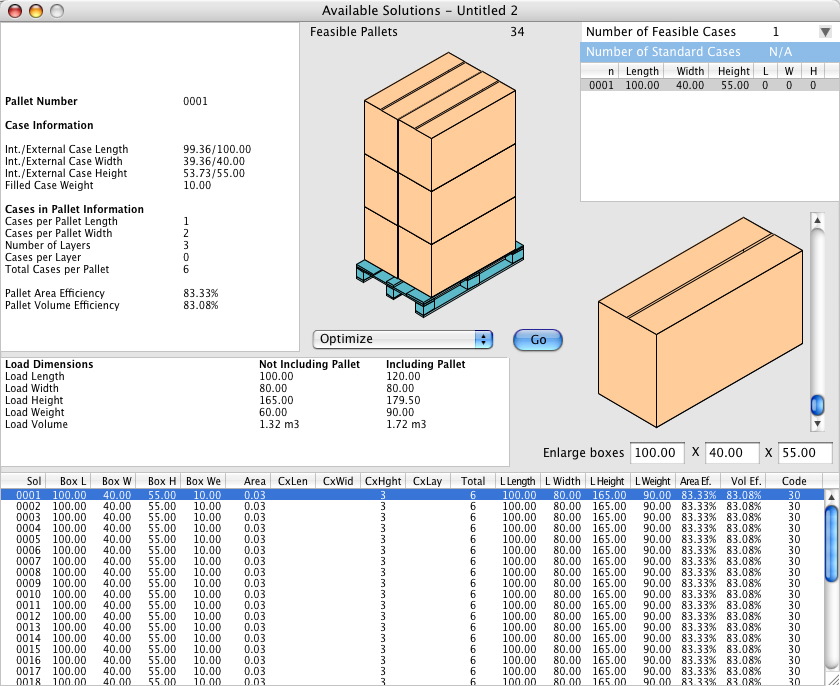
The screenshots show a bug being reported (fixed later) and other screenshots regarding pallets in containers.

Wednesday, August 22, 2007

Screenshots Of The Day - August 22, 2007


Here are some Quick Pallet Maker screenshots that we collected today.

QPM screenshotQPM screenshot
QPM screenshot


Error in a printout that was corrected later.

Friday, August 17, 2007

Screenshots Of The Day - August 17, 2007


Here are some Quick Pallet Maker screenshots that we collected today.

QPM screenshotQPM screenshot
QPM screenshot


Pallets with cases of different sizes.

Thursday, August 16, 2007

Screenshots Of The Day - August 16, 2007


Here are some Quick Pallet Maker screenshots that we collected today.

QPM screenshotQPM screenshot
QPM screenshot


The screenshots show a case with standard dimensions (i.e. predetermined) being filled.

Thursday, August 02, 2007

New Container Fill Example


We've just posted a new example for floor-loading containers with boxes that have been created using primary package dimensions as a reference. The link is this one.

Wednesday, August 01, 2007

Screenshots Of The Day - August 1, 2007


Here are some Quick Pallet Maker screenshots that we collected today.

QPM screenshotQPM screenshot
QPM screenshot


The screenshots explain how to load a container with boxes that contain cylinders (i.e. cans or bottles).

Friday, July 20, 2007

Unit Changes In Container Fill

Question: How do I change the units in the Container Fill window? The option is grayed out.
Units


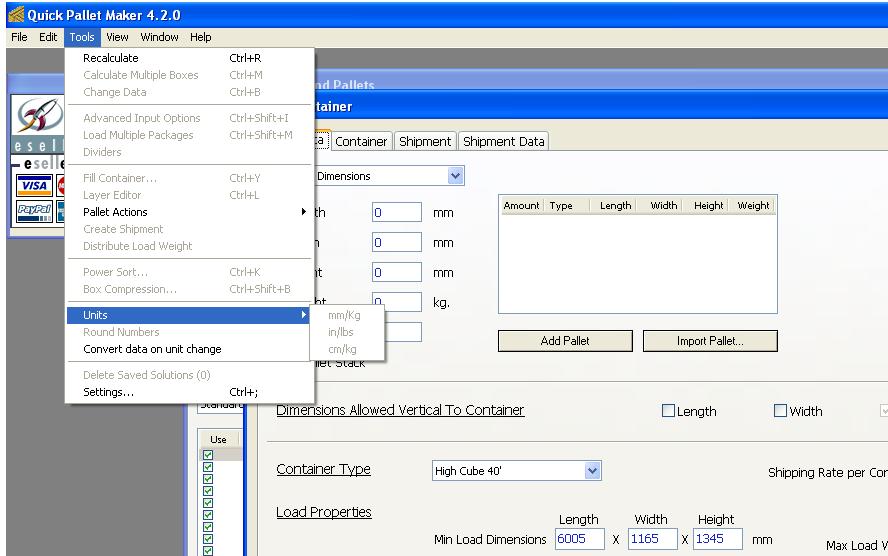
Answer: The units within the Container Fill window are changed through the Preferences window. To open this window, select "Tools -> Settings" (under Windows OS) or "Preferences" from the Quick Pallet Maker window (Mac OSX).

Screenshots Of The Day - July 20, 2007


Here are some Quick Pallet Maker screenshots that we collected today.

QPM screenshotQPM screenshot

The first image is a floor-loaded container. The next ones relate to a pallet fill and the last two show how the units are changed.

Wednesday, July 18, 2007

Screenshots Of The Day - July 18, 2007


Here are some Quick Pallet Maker screenshots that we collected today.

QPM screenshotQPM screenshot
QPM screenshot

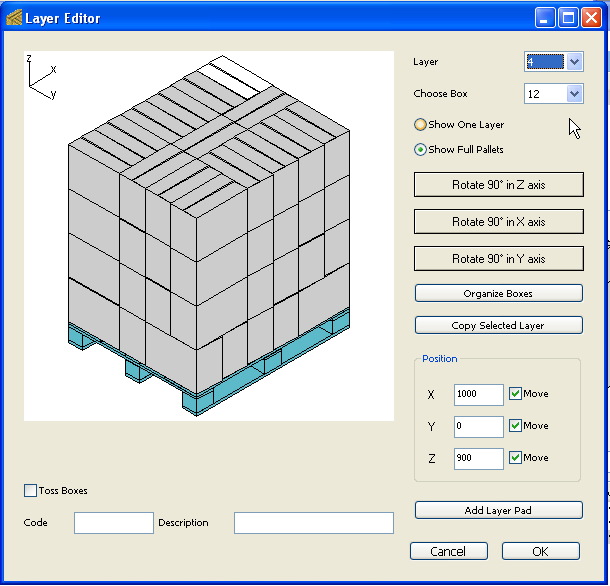
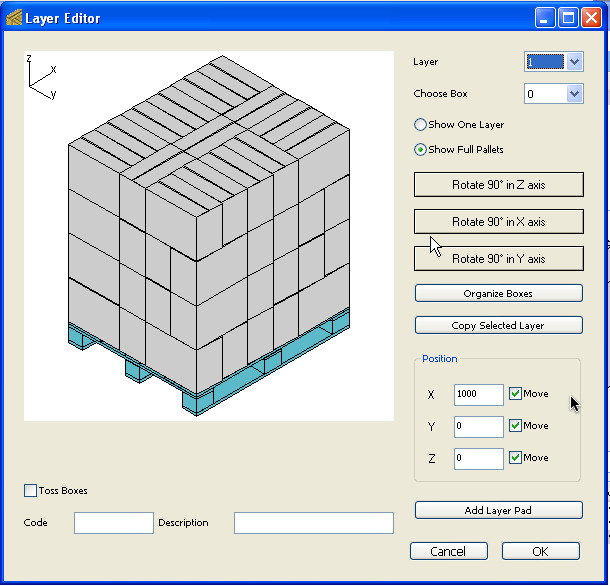
The five images are from the Pallet Layer Editor that can be used for changing the position and orientation of the boxes within the pallet.

Thursday, July 12, 2007

Inkscape Software for SVG Files


We just found an excellent and free software for reading, editing and converting the SVG (Scalable Vector Graphics) files that Quick Pallet Maker exports. These files contain the drawings for packages, boxes, pallets or containers.

The software is called Inkscape and can be downloaded at Inkscape.org and as of this writing, it was in version 0.45 (a version below 1.0 indicates "under development"). However, the software exported a container file from SVG (file link) to Adobe PDF (file link) without problems.

For news on SVG-compatible applications and browser plugins, you can turn to the W3C site.

Tuesday, June 19, 2007

Couple Of New Examples

We have just posted a couple of new examples for Quick Pallet Maker 4.2.

The first one explains how to change the maximum allowable box weight. The second example explains a simple box fill.

Thursday, June 14, 2007

Screenshots Of The Day - June 14, 2007


Here are some Quick Pallet Maker screenshots that we collected today.

QPM screenshot


The image contains a set of floor-loaded containers in the Shipment pane of the Container Fill window.